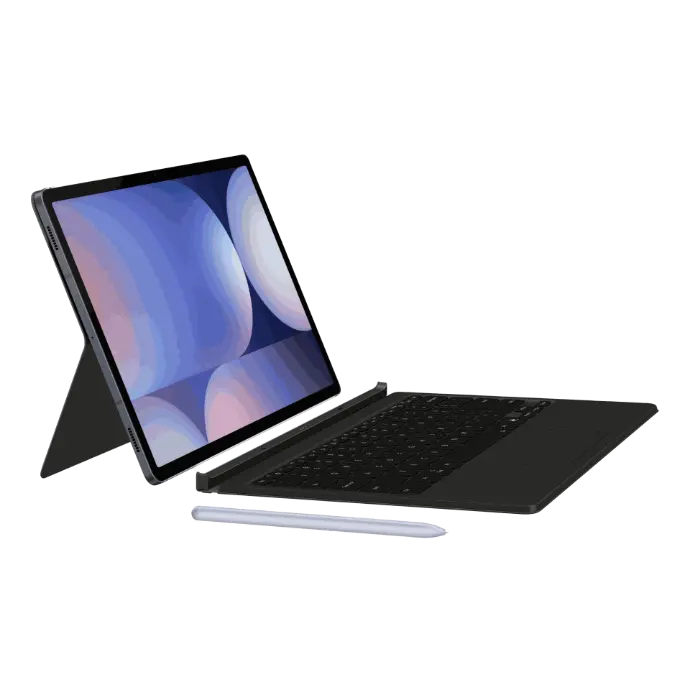
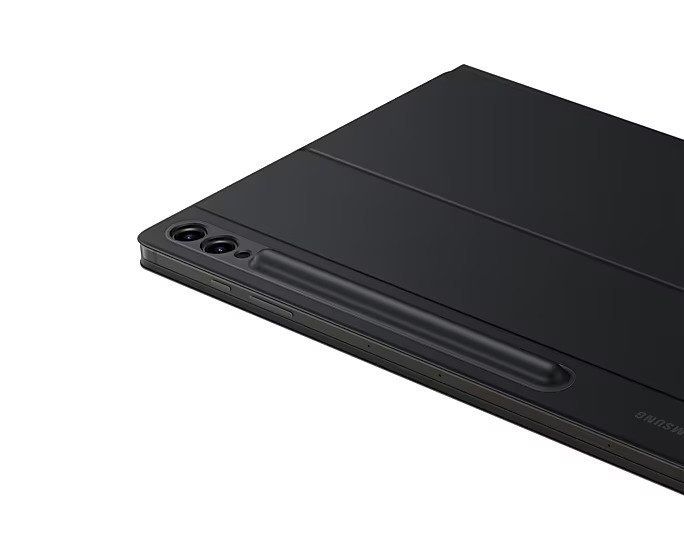
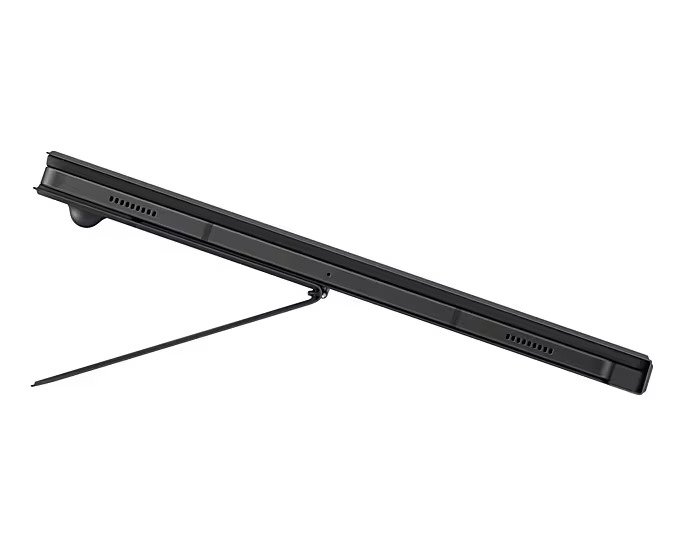
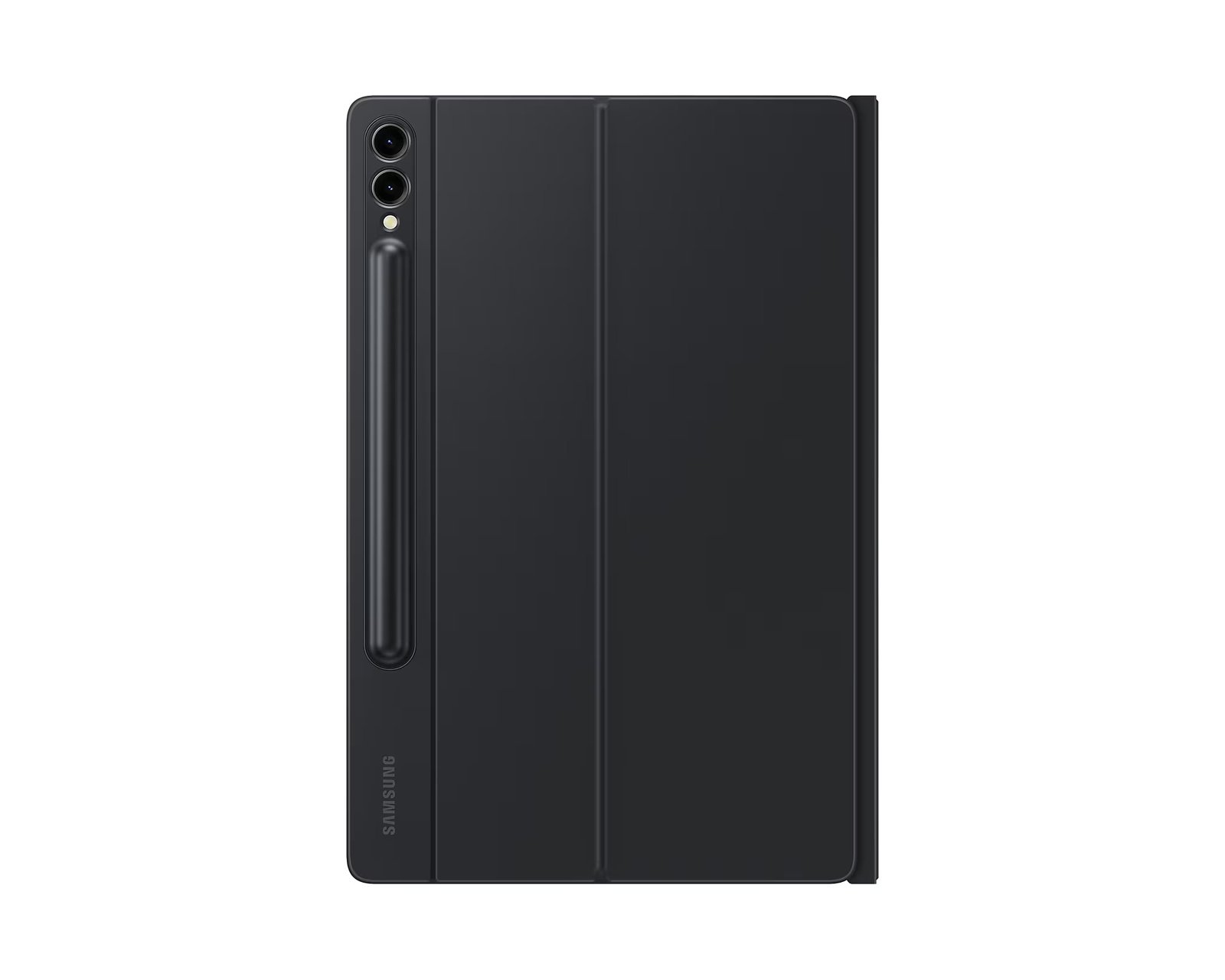
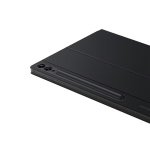

Samsung S9 Plus Keyboard
KSh 21,150.00
Samsung S9 Plus Keyboard Key Features;
- Premium Construction: Crafted with high-quality materials for a sophisticated, durable build.
- Enhanced Typing Experience: Full-size keyboard with responsive, tactile keys for effortless typing.
- Seamless Integration: Specifically designed to perfectly complement Samsung tablets.
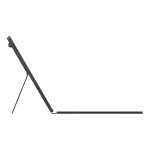
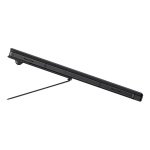
- Multi-Angle Stand: Adjustable viewing angles for versatile usage – from work to leisure.
- Robust Protection: Reinforced design that safeguards your tablet from scratches and impacts.
- Smart Attachment: Secure magnetic or smart clip system ensures the case stays in place.
- Port Accessibility: Precisely engineered cutouts for hassle-free access to ports and buttons.
- Lightweight Design: Combines protection with portability without adding bulk.
- Easy Maintenance: Smooth surfaces and premium finishes that are simple to clean and maintain.
- Competitive Pricing: Offers top-tier features at a price point tailored for the Kenyan market.
Samsung S9 Plus Keyboard by Cytech Digitals
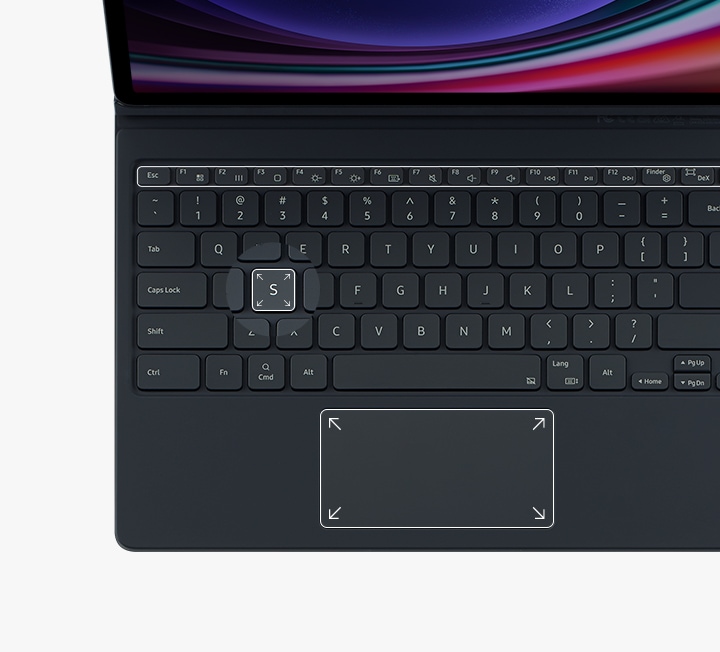
Get things done easily with the Book Cover Keyboard. The full-size keycaps, function keys, and trackpad, combined with DeX mode, deliver a PC-like experience with a single tap. Whether you’re drafting emails, creating presentations, or engaging in video calls, this keyboard enhances your productivity significantly.
Magnetically attachable for easy replacement
With its magnetic design, you can easily attach and detach the back cover to personalize your device. Replace it according to your preference to fit your everyday needs. This feature is particularly beneficial for users who frequently switch between different tasks or environments, allowing for quick adaptations without hassle.

Effortless comes in 150°
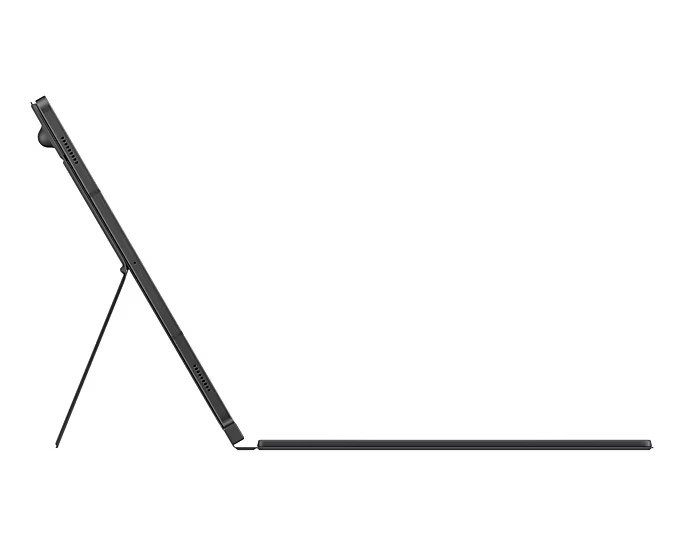
Take it all the way back to 150° for a new level of freedom with the Book Cover Keyboard. Adjust the angle on the back easily to find your perfect position to send emails, blog, study — you name it. This flexibility is particularly advantageous in various settings, such as coffee shops, offices, or even during travel, allowing you to work comfortably wherever you are.

Enhance your productivity with wireless sharing
With Wireless Keyboard Sharing, you can easily connect to your other Galaxy devices and smoothly type or navigate on them. Switch between devices with ease and take control of your phone as you would on your tablet. This feature is especially useful for multitaskers who work across multiple devices, allowing for seamless transitions without the need to change keyboards.

Buying Guide for the Samsung S9 Plus Keyboard
The Samsung S9 Plus Keyboard is more than just a typing accessory; it’s an essential tool for anyone looking to maximize their productivity while using the Galaxy Tab S9+. With a current price of KSh 23,000, it offers a blend of functionality and convenience that caters to both casual users and professionals alike. In this comprehensive buying guide, we’ll delve into the features, benefits, comparisons with competitors, and user insights that will help you make an informed decision.
Key Features and Benefits
1. Full-Size Keycaps and Trackpad
The Samsung S9 Plus Keyboard boasts full-size keycaps that provide a comfortable typing experience, akin to traditional keyboards. The inclusion of a trackpad allows for smooth navigation, making it easier to interact with your device without needing to touch the screen. This feature is particularly beneficial in professional settings where efficiency is crucial. The tactile feedback from the keys enhances typing accuracy, reducing the chances of errors during important tasks.
2. DeX Mode Compatibility
One of the standout features of the Samsung S9 Plus Keyboard is its compatibility with DeX mode, which transforms your tablet into a desktop-like experience. This is ideal for users who need to run multiple applications simultaneously or require a more extensive workspace for their tasks. By using the keyboard in DeX mode, you can enjoy improved multitasking capabilities, making it a perfect solution for students, business professionals, and creative individuals. The ability to drag and drop files between apps enhances productivity, making it easier to complete tasks efficiently.
3. Magnetic Design for Easy Replacement
The magnetic attachment feature allows users to easily switch out the keyboard cover, providing a customizable experience. This is particularly useful for those who may want to change the color or style of their keyboard based on their mood or environment. Users can also replace the cover if it becomes damaged, ensuring longevity and continued use of the product. This design not only adds a personal touch but also simplifies the process of maintaining the keyboard, as users can easily clean or replace the cover as needed.
4. Adjustable Viewing Angles
With the ability to adjust the angle up to 150°, users can find their ideal viewing position. This flexibility is particularly useful in various scenarios, such as when typing while standing or lounging on a couch. The adaptability of the keyboard enhances comfort and reduces strain during extended use. For instance, in a coffee shop setting, users can adjust the keyboard to their preferred angle, making it easier to type comfortably while enjoying their beverage.
5. Wireless Keyboard Sharing
The Wireless Keyboard Sharing feature allows users to connect the keyboard to multiple Galaxy devices seamlessly. This is particularly advantageous for those who own both a Galaxy smartphone and tablet, as it eliminates the need to switch keyboards when transitioning between devices. This feature enhances productivity, especially for users who manage multiple devices throughout the day. Imagine typing a document on your Galaxy Tab and then quickly switching to your Galaxy phone to respond to a message without missing a beat.
Kenyan Market Context
In Kenya, the demand for high-quality mobile accessories has surged, particularly among professionals and students who require reliable tools for their work and studies. The Samsung S9 Plus Keyboard is competitively priced at KSh 23,000, making it a viable option for many users looking for quality and functionality. Availability is also a key factor, as the keyboard can be found in major electronic retailers and online platforms, ensuring that users can easily purchase it when needed. Additionally, with the rise of remote work and online learning, the keyboard has become an essential accessory for many, providing the necessary tools to stay productive in various environments.
Competitor Comparison
When considering the Samsung S9 Plus Keyboard, it’s essential to look at its competitors in the market. Here are some alternatives:
- Logitech K380 Multi-Device Bluetooth Keyboard: Priced around KSh 8,000, this compact keyboard offers excellent portability and the ability to connect to multiple devices. However, it lacks the trackpad and DeX compatibility that the Samsung keyboard provides, making it less suitable for users who require a more integrated experience with their Galaxy devices.
- Microsoft Surface Keyboard: Retailing at approximately KSh 15,000, this keyboard is known for its sleek design and comfortable typing experience. While it’s highly regarded, it does not offer the same level of integration with Samsung devices, limiting its functionality for Galaxy users.
- Apple Magic Keyboard: Priced at KSh 25,000, this keyboard is designed for Apple devices, making it less compatible for Samsung users. However, it does offer a premium build quality and a great typing experience, but at a higher price point without the unique features that cater to Samsung’s ecosystem.
- Razer BlackWidow Lite: Although primarily designed for gaming, this keyboard, priced at KSh 22,000, offers a mechanical typing experience that some users may prefer. However, it lacks the portability and integrated features of the Samsung S9 Plus Keyboard, making it less practical for everyday use with a tablet.
Use Cases for the Samsung S9 Plus Keyboard
The Samsung S9 Plus Keyboard caters to a variety of user needs and scenarios:
- Students: The keyboard is perfect for students who take notes during lectures or write assignments. The comfortable typing experience and DeX mode compatibility allow for efficient multitasking. With the ability to switch between different applications quickly, students can enhance their learning experience and productivity.
- Professionals: Business users can benefit from the keyboard’s productivity features, such as Wireless Keyboard Sharing and adjustable angles, making it easier to work on presentations or reports. The seamless transition between devices allows professionals to stay connected and productive during meetings or while traveling.
- Content Creators: For individuals involved in blogging or video editing, the keyboard’s full-size keys and trackpad facilitate a smooth workflow, enabling quick edits and uploads. The ability to use DeX mode allows content creators to manage their projects with a desktop-like experience, enhancing their creativity and efficiency.
- Casual Users: Even casual users who enjoy browsing or streaming content can benefit from the keyboard’s ease of use and comfort, enhancing their overall experience on the Galaxy Tab S9+. The keyboard makes it easier to navigate through apps and websites, providing a more enjoyable and productive experience.
Pricing Analysis and Value Proposition
At KSh 23,000, the Samsung S9 Plus Keyboard represents a solid investment for users looking for quality and functionality. When compared to its competitors, it offers unique features such as DeX mode compatibility and Wireless Keyboard Sharing, which can significantly enhance productivity. The durability and design of the keyboard also add to its value, making it a worthwhile purchase for anyone who frequently uses their Galaxy Tab S9+. Additionally, considering the rising trend of remote work and digital learning in Kenya, the keyboard becomes an essential tool for maintaining productivity in various environments.
Maintenance Tips
To ensure the longevity of your Samsung S9 Plus Keyboard, consider the following maintenance tips:
- Keep it Clean: Regularly wipe down the keyboard with a soft, damp cloth to remove dust and debris. Avoid using harsh cleaners that could damage the surface. For deeper cleaning, consider using a mild soap solution, ensuring that the keyboard is disconnected from power during the process.
- Store Properly: When not in use, store the keyboard in a cool, dry place to prevent any potential damage from humidity or heat. Using a protective case can also help safeguard the keyboard from scratches and accidental spills.
- Avoid Spills: Be cautious with liquids around the keyboard. If a spill occurs, turn the keyboard upside down to drain any liquid and allow it to dry completely before using it again. Keeping drinks at a safe distance can prevent potential damage.
- Regular Updates: Ensure that your Galaxy Tab S9+ is updated to the latest software version to maintain compatibility and performance with the keyboard. This can enhance features and fix any bugs that may arise.
Frequently Asked Questions (FAQs)
1. Is the Samsung S9 Plus Keyboard compatible with other devices?
Yes
Alternative Products
- Samsung 20000MAH 45W Battery Pack - KSh 9,000.00
- Samsung Wireless Charger Duo - KSh 10,000.00
- Samsung 10000MAH Wireless 25W B.P Dual Port - KSh 8,500.00
- Samsung Wireless Charger Trio - KSh 11,000.00
- Samsung Smart Tag 2 1 Pack - KSh 4,000.00
| RAM / ROM | 4/128GB |
|---|
Related products

Samsung Galaxy S10 8/128GB | 6.1″ | 3400mAh | EX-USA | Gently Used | 6-Month Warranty

Samsung Galaxy S21 8/256GB | 6.2″ | 64MP | 4000mAh | EX-USA | Barely Used | 6-Month Warranty

Samsung Galaxy S22+ 8/256GB | 6.6″ | 50MP | 4500mAh | EX-USA | Flawless Condition | 6-Month Warranty

Samsung Galaxy S24 Ultra 256/512GB 5G – East Africa (Brand New)


Samsung Galaxy Z Flip 6 256/512GB 5G – East Africa (Brand New)