
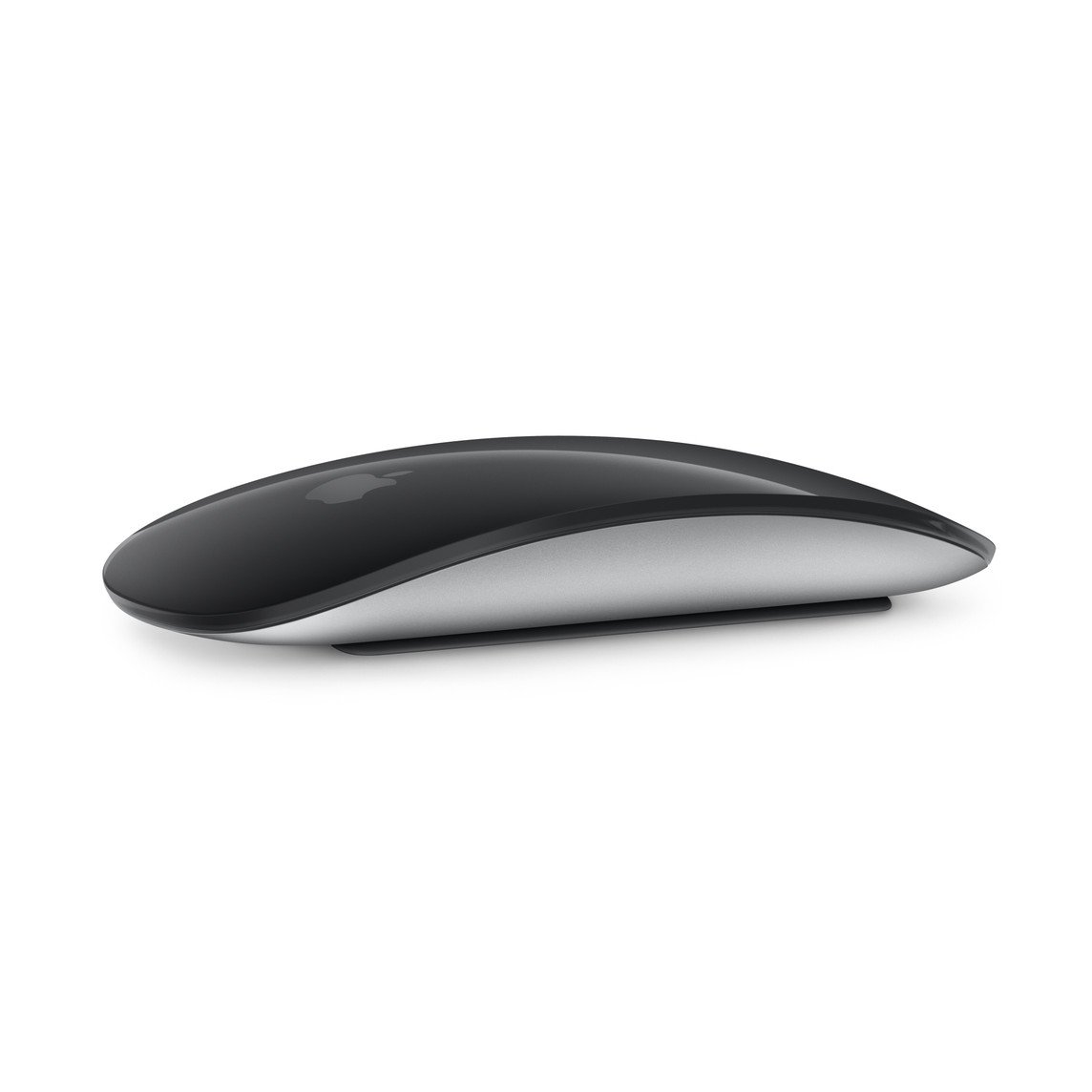
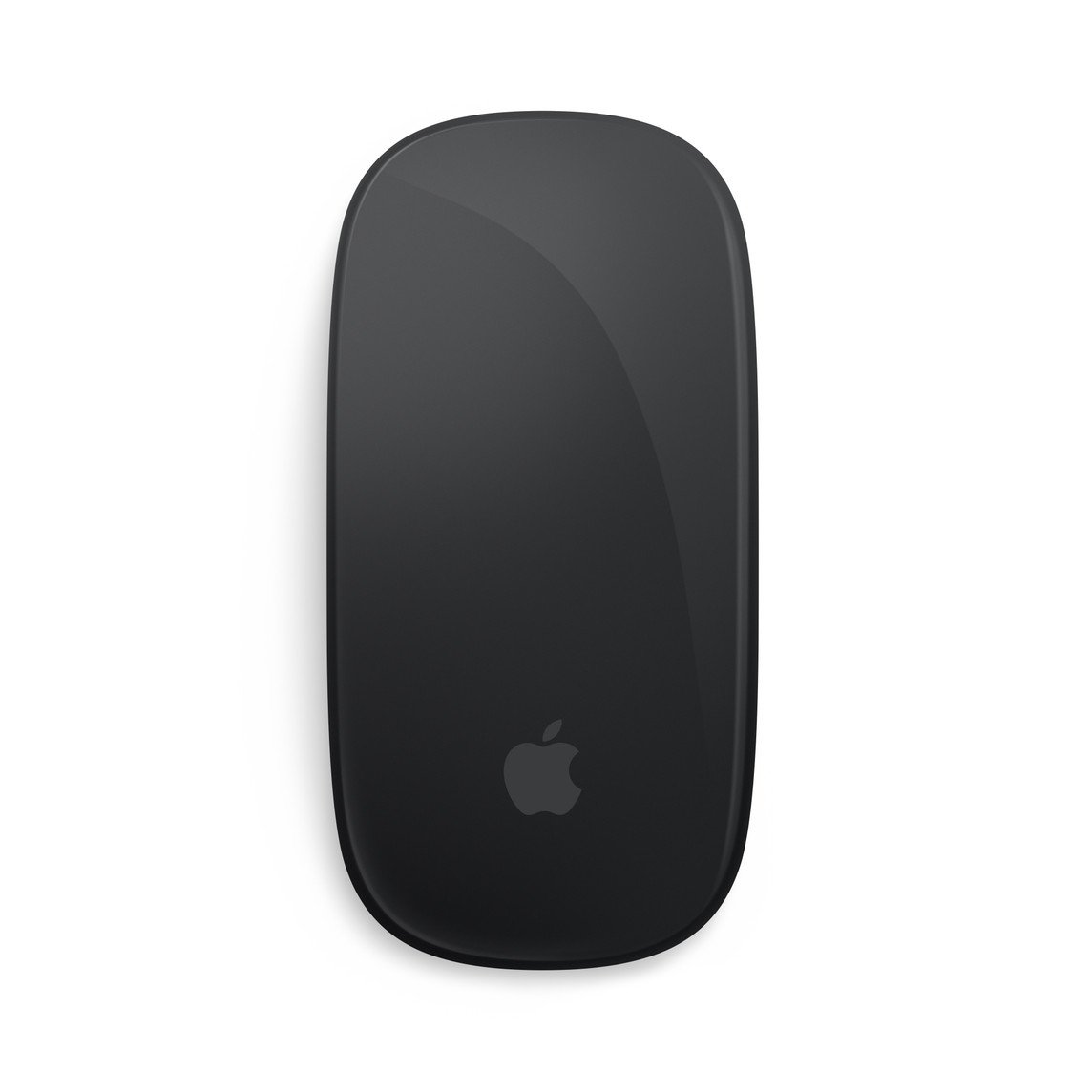
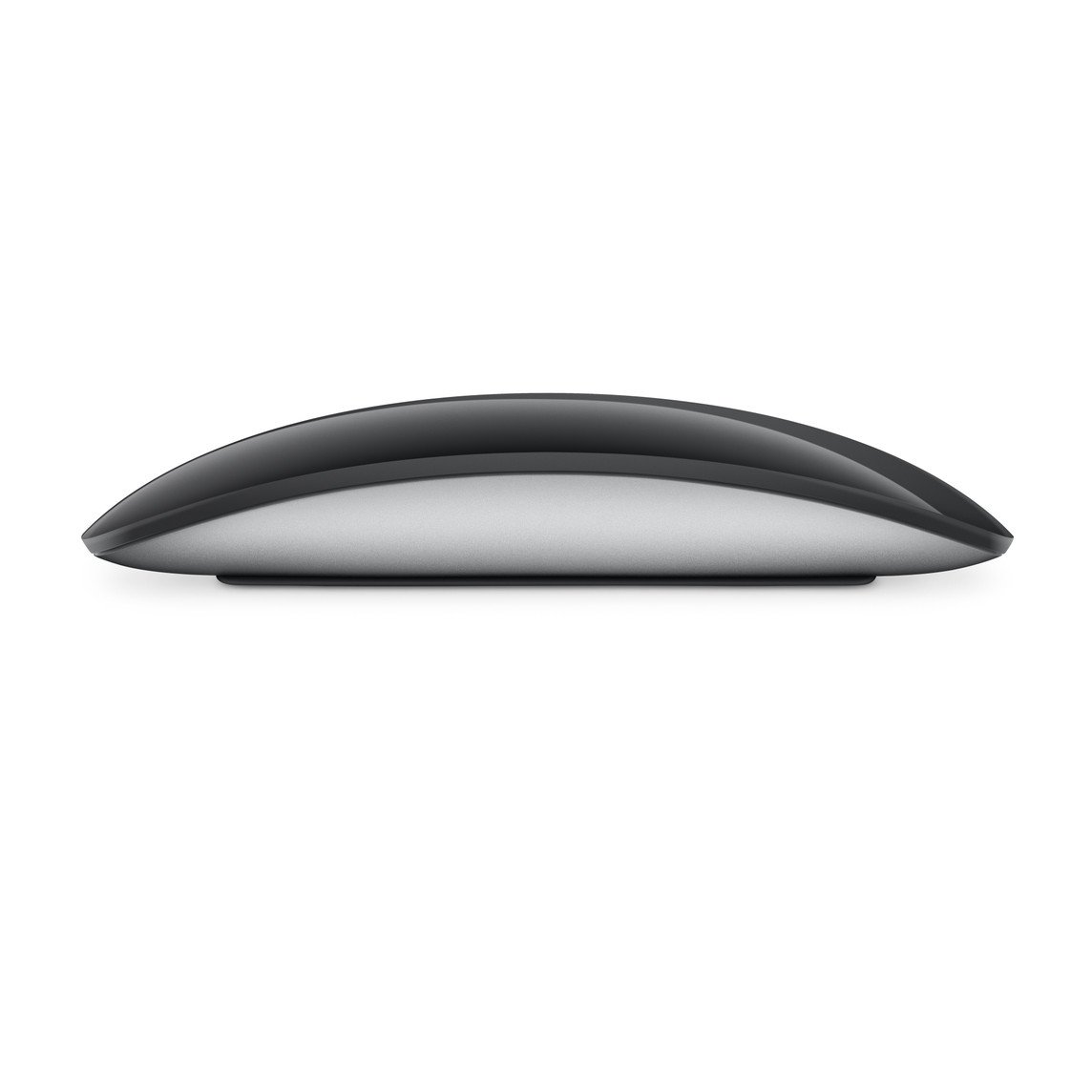
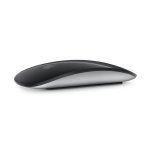
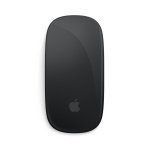
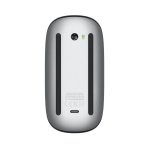
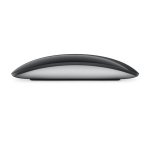
Apple Magic Mouse 3 BLK
KSh 17,080.00
Key Features
- Weight: 99g
- Controls: multi-touch surface
- Gestures: supported
- Connectivity: Wireless
- Battery: Several weeks on full charge
- Charging: woven USB-C to Lightning Cable
- Colours: Black, White
Apple Magic Mouse 3 BLK Review by Cytech Digitals: Pros, Cons & Features

Overview
The Apple Magic Mouse 3 BLK is a sophisticated wireless and rechargeable mouse that combines cutting-edge technology with a sleek design. Its optimized foot design allows for effortless gliding across various surfaces, making it ideal for both office and home use. The Multi-Touch surface is a standout feature, enabling users to perform simple gestures such as swiping between web pages and scrolling through documents seamlessly. This feature not only enhances productivity but also provides an intuitive user experience, especially for those who frequently navigate through extensive documents or web pages.
One of the most appealing aspects of the Magic Mouse 3 is its rechargeable battery, which can power the device for about a month or more between charges. This feature not only enhances convenience but also reduces the need for disposable batteries, making it an environmentally friendly choice. The mouse is ready to use right out of the box and pairs automatically with your Mac, ensuring a hassle-free setup. Users have reported that even with heavy usage, the battery life remains impressive, which means less time spent on charging and more time focused on work.
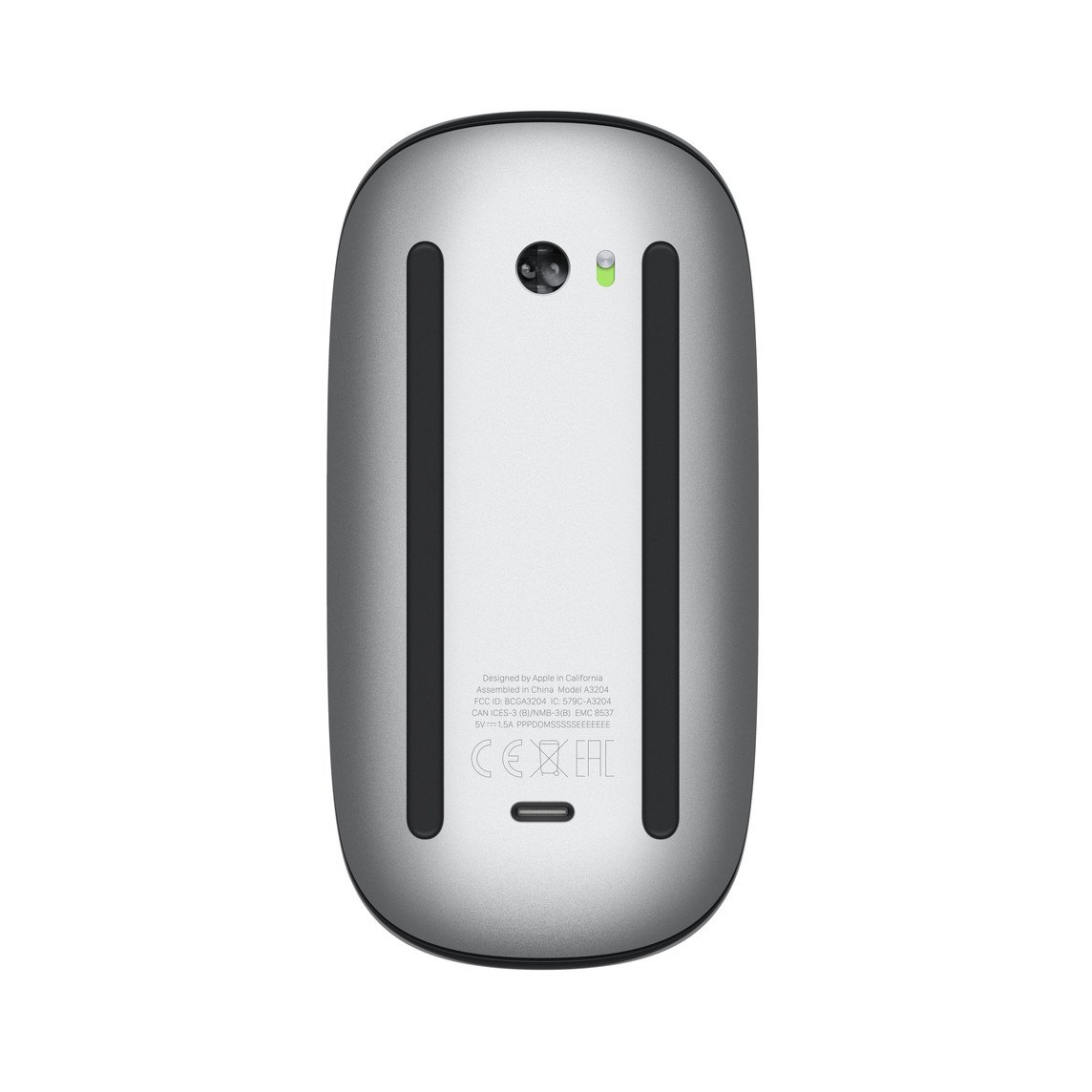
Additionally, the Magic Mouse 3 features a USB-C port and comes with a woven USB-C Charge Cable. This allows you to pair and charge the mouse by connecting it to a USB-C port on your Mac, simplifying your charging needs by allowing you to use a single cable for multiple devices. This is particularly beneficial for users who have adopted the USB-C ecosystem, as it reduces cable clutter and enhances convenience.
What’s in the Box
- Magic Mouse 3 BLK
- USB-C Charge Cable
Tech Specs
Size and Weight
- Height: 0.85 inch (2.16 cm)
- Width: 2.25 inches (5.71 cm)
- Depth: 4.47 inches (11.35 cm)
- Weight: 0.22 pound (0.099 kg)
General
- Multi-Touch functionality for intuitive gestures
Connections and Expansion
- Bluetooth connectivity for wireless use
- USB-C port for charging and pairing
- Wireless operation for greater mobility
System Requirements
- Mac with macOS 15.1 or later
- iPad with iPadOS 18.1 or later
Compatibility
iPad Models
- iPad Pro 13-inch (M4, 2025)
- iPad Pro 12.9-inch (6th generation, 2025)
- iPad Pro 12.9-inch (5th generation)
- iPad Pro 12.9-inch (4th generation)
- iPad Pro 12.9-inch (3rd generation)
- iPad Pro 11-inch (M4, 2025)
- iPad Pro 11-inch (4th generation)
- iPad Pro 11-inch (3rd generation)
- iPad Pro 11-inch (2nd generation)
- iPad Pro 11-inch (1st generation)
- iPad Air 13-inch (M3, 2025)
- iPad Air 11-inch (M3, 2025)
- iPad Air 13-inch (M2)
- iPad Air 11-inch (M2)
- iPad Air (5th generation)
- iPad Air (4th generation)
- iPad Air (3rd generation)
- iPad (A16)
- iPad (10th generation)
- iPad (9th generation)
- iPad (8th generation)
- iPad (7th generation)
- iPad mini (A17 Pro, 2025)
- iPad mini (6th generation)
- iPad mini (5th generation)
Mac Models
- MacBook Air (13-inch, M4, 2025)
- MacBook Air (15-inch, M4, 2025)
- MacBook Air (13-inch, M3, 2024)
- MacBook Air (15-inch, M3, 2024)
- MacBook Air (15-inch, M2, 2023)
- MacBook Air (13-inch, M2, 2022)
- MacBook Air (M1, 2020)
- MacBook Air (Retina, 13‑inch, 2020)
- MacBook Pro (14‑inch, 2024)
- MacBook Pro (16‑inch, 2024)
- MacBook Pro (14‑inch, 2023)
- MacBook Pro (16‑inch, 2023)
- MacBook Pro (13‑inch, M2, 2022)
- MacBook Pro (14‑inch, 2021)
- MacBook Pro (16-inch, 2021)
- MacBook Pro (16-inch, 2019)
- MacBook Pro (13-inch, M1, 2020)
- MacBook Pro (13-inch, 2020)
- iMac (24‑inch, M4, 2024)
- iMac (24-inch, M3, 2023)
- iMac (24-inch, M1, 2021)
- iMac (Retina 4K, 21.5‑inch, 2019)
- iMac (Retina 5K, 27-inch, 2019–2020)
- Mac Studio (2025)
- Mac Studio (2023)
- Mac Studio (2022)
- Mac mini (2024)
- Mac mini (2023)
- Mac mini (M1, 2020)
- Mac mini (2018)
- Mac Pro (2023)
- Mac Pro (2019)
Apple Vision Pro
- Apple Vision Pro
| RAM / ROM | 4/128GB |
|---|
Related products

Apple iPhone 13 128/256GB 5G – Brand New
Apple iPhone 15 Pro 128/256GB 5G – Brand New

iPhone 11 Pro 64GB (EX-UK) | 95%+ Battery | Excellent Condition | 1 Yr Warranty | Cytech Digitals


iPhone X 64GB (EX-UK) | 90–95% Battery | Excellent Condition | 1 Yr Warranty | Cytech Digitals

iPhone 12 Pro Max 128GB (EX-UK) | 95%+ Battery | Excellent Condition | 5G | 1 Yr Warranty | Cytech Digitals

iPhone 13 128GB (EX-UK) | 95%+ Battery | Excellent Condition | 5G | eSIM Ready | 1 Yr Warranty | Cytech Digitals
